Virtual staging that sells the room.
Upload an empty room, pick a style and get a furnished listing photo in seconds — with the walls, windows and floors left exactly as they are.
20 free credits · no credit card required
Staged in three steps.
The same simple flow for one photo or a whole listing. Every clip here is the real app, recorded as is.
Your listing, cut like a pro edit.
Pick 3–10 photos and a style. AI films every room as a real camera move, then the style’s rules cut the clips to the beat with your title, room names and closing card — ready for Reels, TikTok and the listing itself.
170 credits a reel · 1080p · licensed music included · portrait or landscape
Quick Cuts · Seven penthouse photos cut on the beat with punch-ins and whip slides.
One photo, a moving camera.
Choose a move and Stageivo films the room as if a camera were there — pushing in past the sofa, gliding along the island, rising over the lawn. Each clip is upscaled to a sharp 1080p.
- Push in
- Pull back
- Orbit left
- Orbit right
- Crane up
- Slide right
- Pan left
- Tilt up
8 camera moves · 30 credits for 5 seconds · 45 for 8 · portrait or landscape
Try a Motion ShotFrom empty room to a listing that moves.
Every step feeds the next. Stage the photos, bring the best rooms to life, cut them into a reel, and publish it all on one page buyers can share.
- 01
Upload the listing photos
Empty, dated or cluttered — every photo becomes a room with its history kept.
- 02
Stage and polish each room
Furnish it in a style that fits the buyer, then clean up, relight or switch day to dusk. Walls, windows and floors stay as they are.
- 03
Bring the best rooms to life
A Motion Shot turns one staged photo into a five-second camera move — the hero clip for a post, a story or the top of the listing.
- 04
Cut the whole home into a reel
Choose the rooms and an edit style. The reel is filmed, cut to music and titled for you — a full walkthrough without booking a videographer.
- 05
Publish one page for the listing
Photos, video, key facts and a contact form on a shareable property page, with every visit and inquiry tracked.
Examples from sample listings. Every result shown was made in Stageivo.
More than empty rooms.
Clean up, relight and retouch every photo in the listing. Each tool previews its result next to your original before you use it.
Clear laundry, toys and boxes from a lived-in room while the furniture, finishes and layout stay exactly where they are.
Declutter a room — recorded in the Stageivo Studio
Everything a listing needs, in one place.
Stageivo keeps every photo, staging run and version together, from the first upload to the final pick.
Real rooms, before and after.
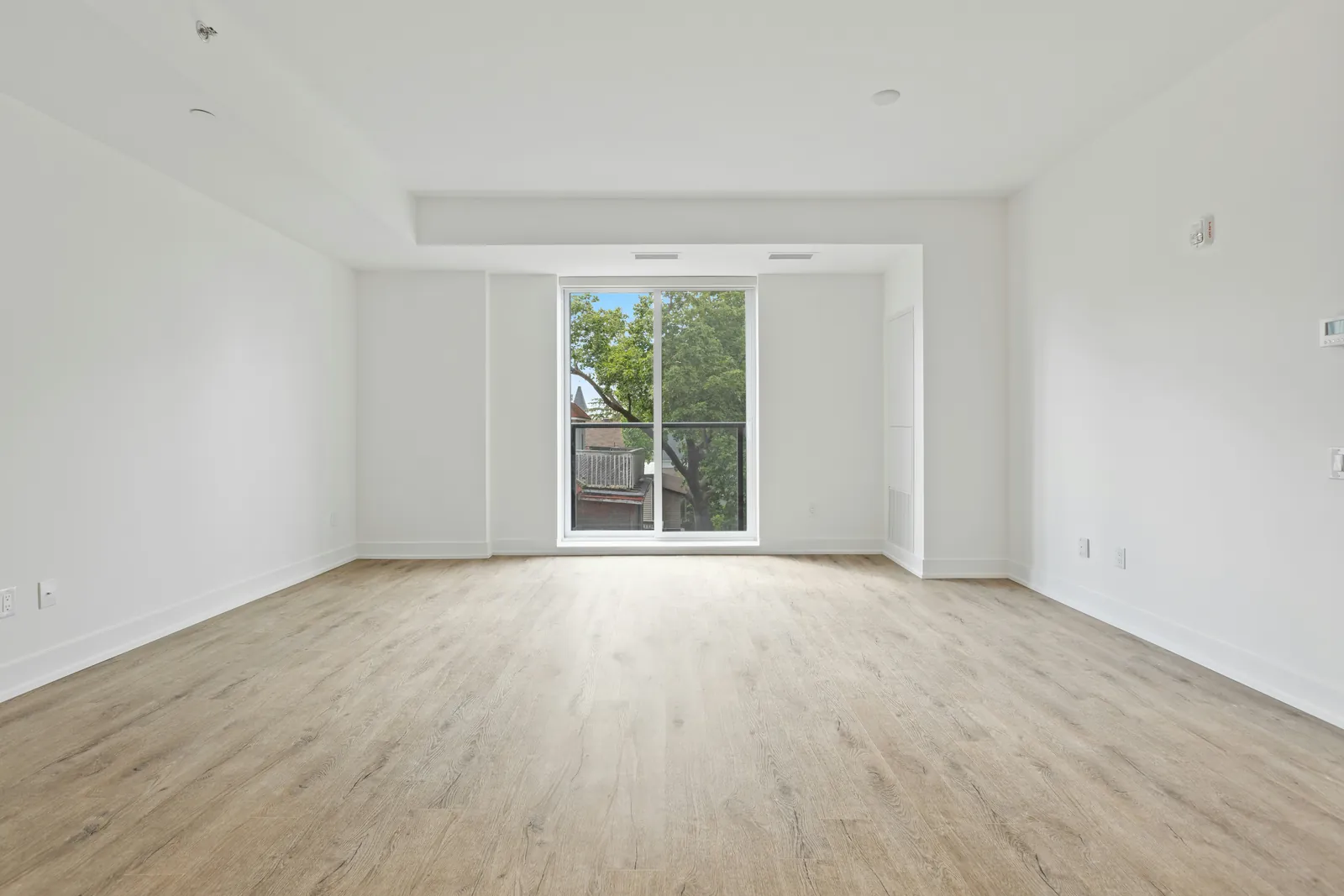
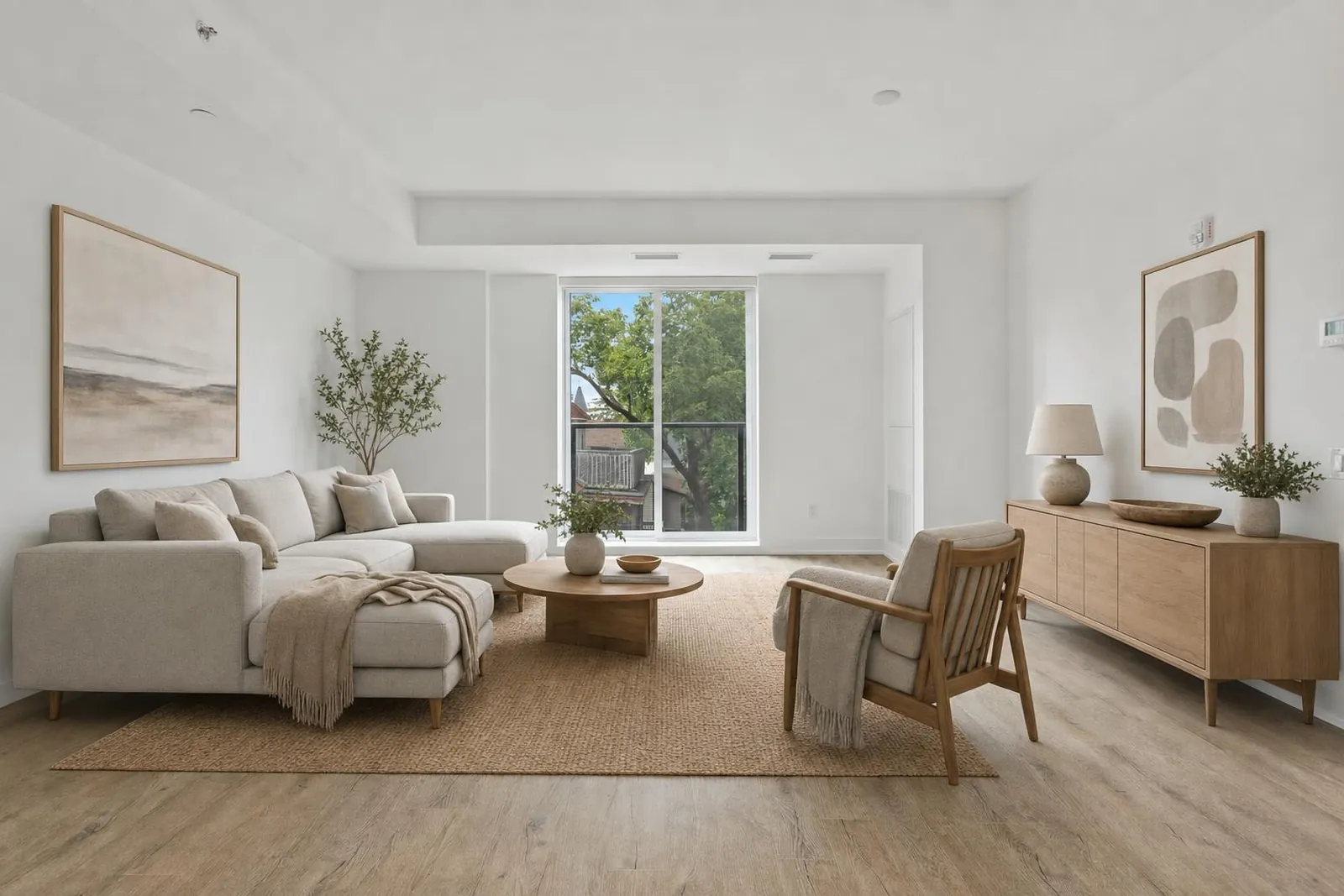
Every pair below came out of Stageivo. Drag the handle across the card in front to move between the photo that was uploaded and the staged result.
See all virtual staging examples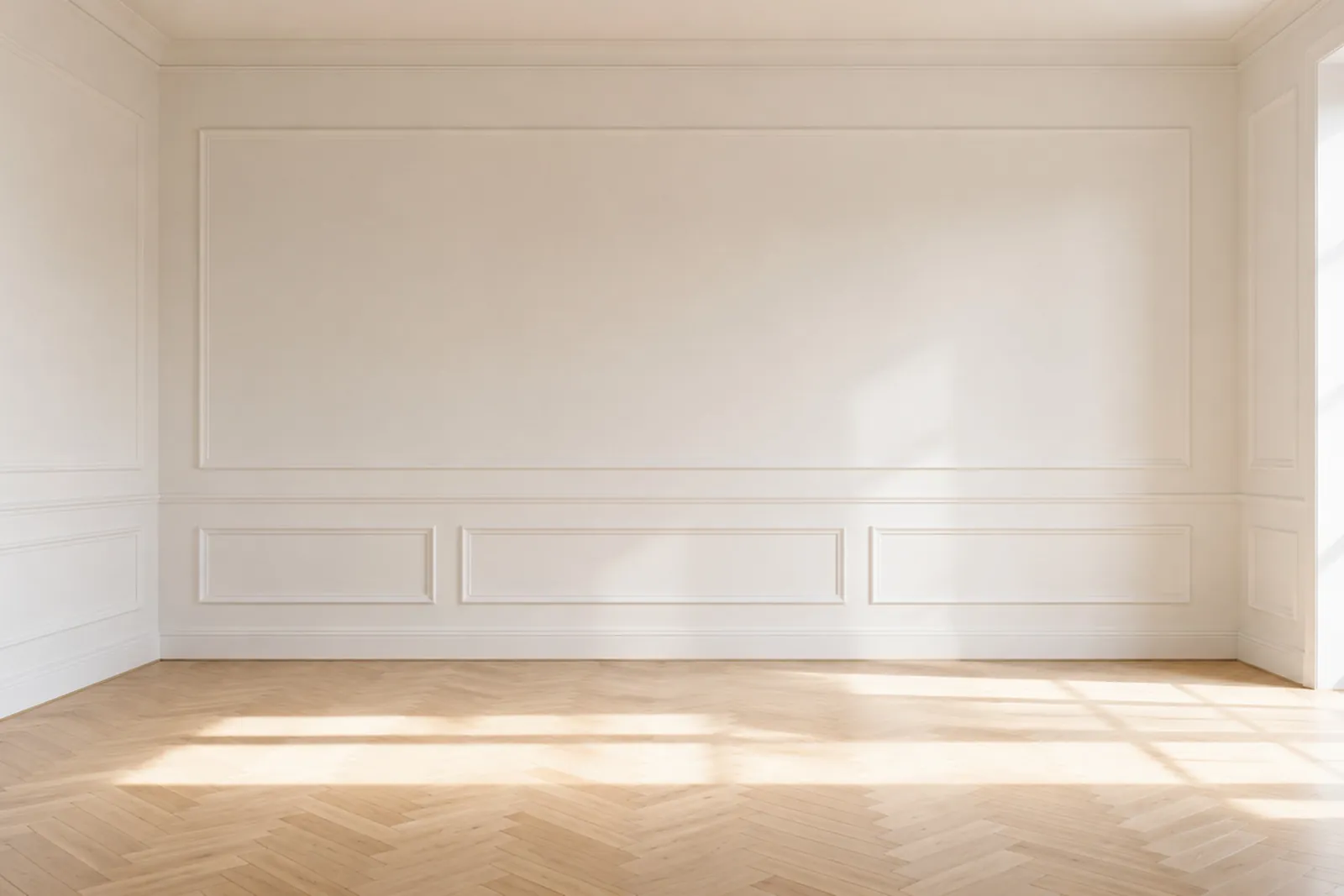

Warm minimal
Panelled living room
A low sofa, a round table and an olive tree give the room a use. The panelling, the herringbone floor and the light falling across it are the photograph’s own.
A credit plan that grows with your listings.
Start with 20 free credits, then pick the monthly or yearly allowance that matches your active inventory. Cancel whenever you like.
View pricing on its own pageCredits are charged when a valid image is delivered, and failed generations return credits automatically. Subscriptions renew automatically until canceled. See our Terms, Privacy Policy, and Refund Policy.
The practical details, before your first listing.
Virtual staging rules can differ by state, brokerage, MLS, and advertising channel. Stageivo helps you review each image, while you remain in control of the final listing.
Stage your first photo freeWhat does Stageivo change in a room photo?
Is virtual staging allowed in real-estate listings?
Do I need to publish the original photo too?
Can Stageivo guarantee MLS or legal compliance?
Who can see my uploaded property photos?
What if the generated image changes something structural?
How do subscriptions and credit plans work?
Can I cancel my subscription at any time?
How are Motion Shots and Listing Reels made?
How do credits expire?
Your next listing, staged tonight.
Start with 20 free credits. No credit card, no setup — upload a photo and see it staged.